Inspection Report GeneratorThat Clients Love
Reports auto-generate with all photos already organized, findings correctly numbered, and formatting done. No manual assembly, no photo transfers, no checking report numbering. What used to take 2-3 hours of post-inspection work now happens in minutes with one click.
75%
Faster Report Writing
& HTML Formats
1-Click
Client Delivery
AI
Powered Summaries
Everything You Need for Professional Reports
From AI summaries to custom branding — every tool to create reports that impress clients and stand out from the competition
AI-Powered Report Summaries
MI6 AI analyzes every finding in your inspection and generates a comprehensive executive summary. Clients get a clear overview of the property condition with prioritized recommendations — all generated in seconds.
- Automatic executive summary generation
- Prioritized findings and recommendations
- Clear language for non-technical clients
- Customizable summary format and tone
- Included on every plan — 10/mo on Starter, unlimited on Pro and Business
Color-Coded Findings
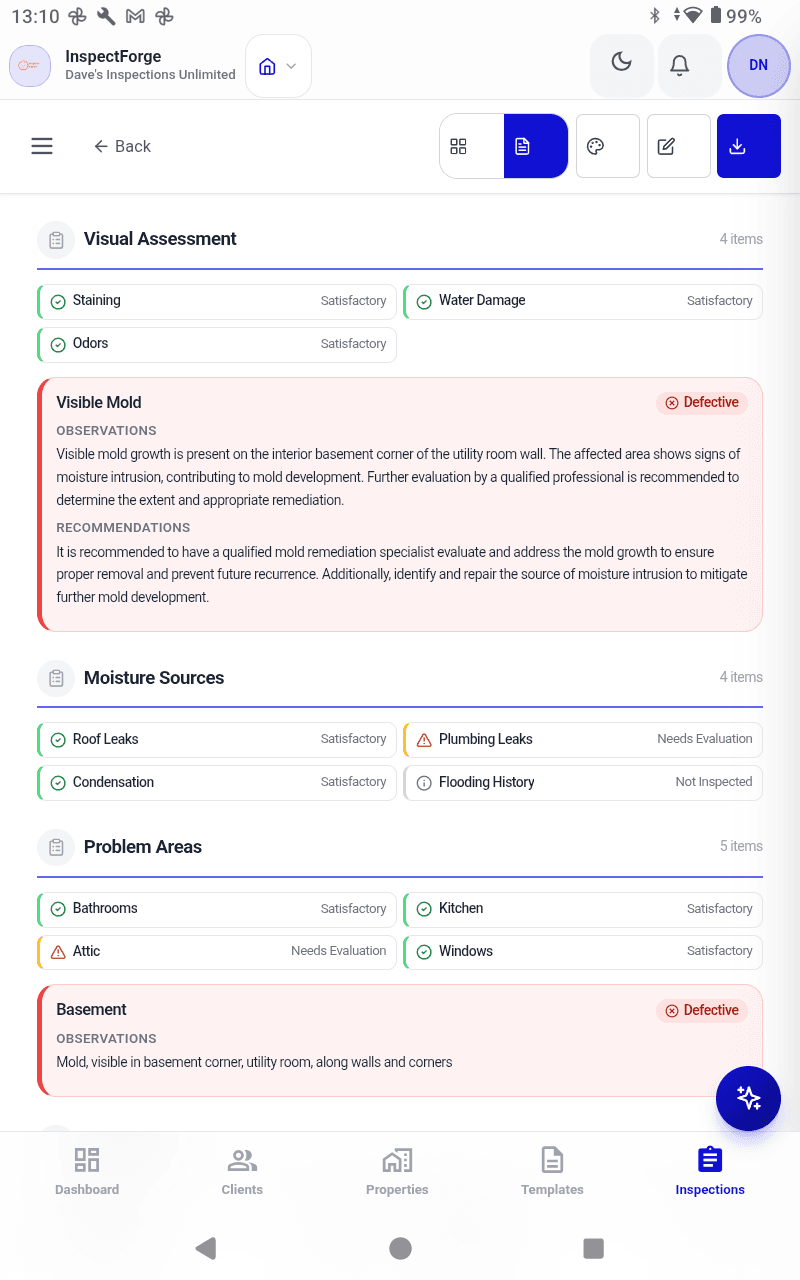
Every inspection item is categorized with clear visual indicators: Good (green), Fair (yellow), Needs Attention (orange), and Defective (red). Clients immediately understand the severity of each finding.
- Four-level severity rating system
- Visual color coding throughout reports
- Quick filtering by severity level
- Priority-ordered finding lists
- At-a-glance property condition overview
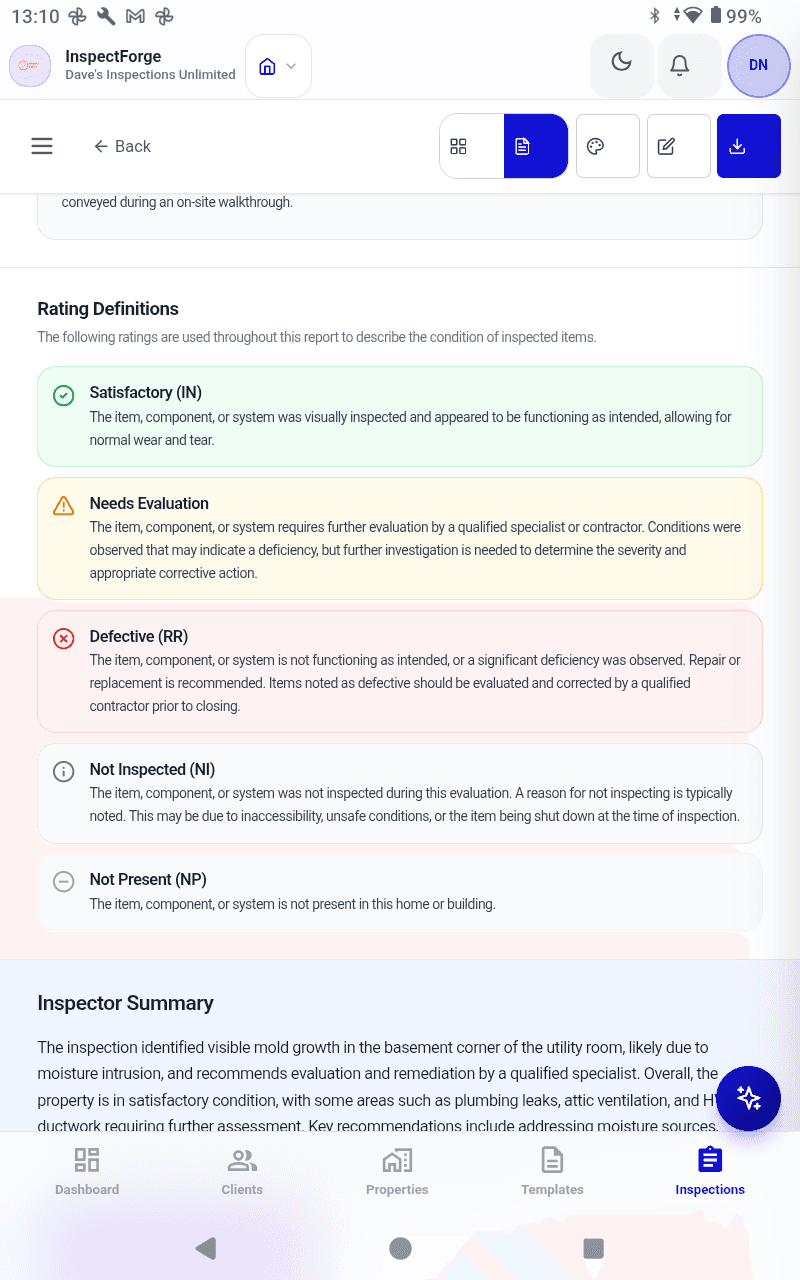
Photo Annotations & Markup
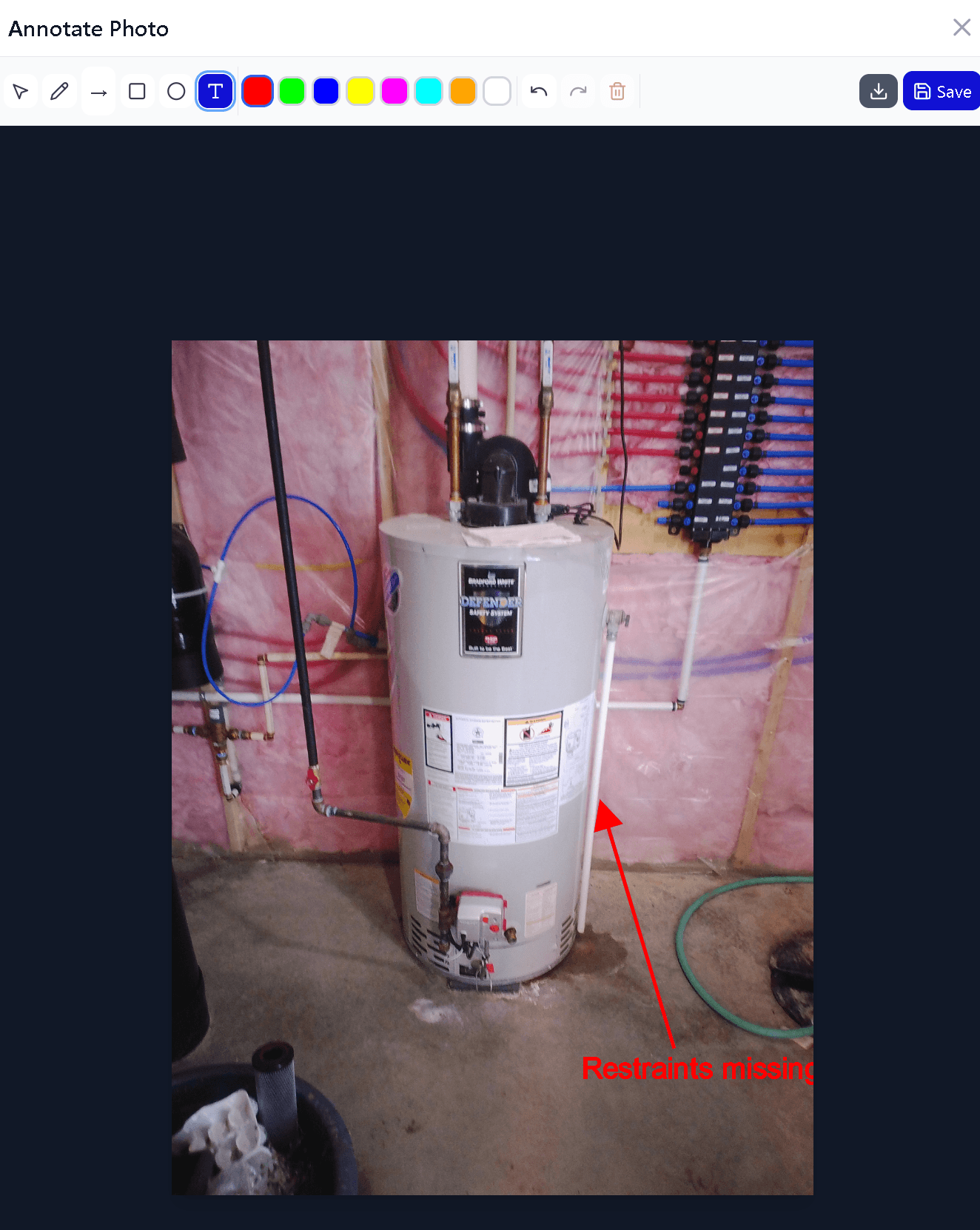
Add arrows, circles, text labels, and highlights directly on inspection photos. Annotated photos make findings crystal clear and reduce client follow-up questions.
- Arrows and circles to highlight issues
- Text labels with custom sizing
- Draw-on-photo markup tools
- Multiple annotations per photo
- Photos embedded directly in reports
Custom Branding
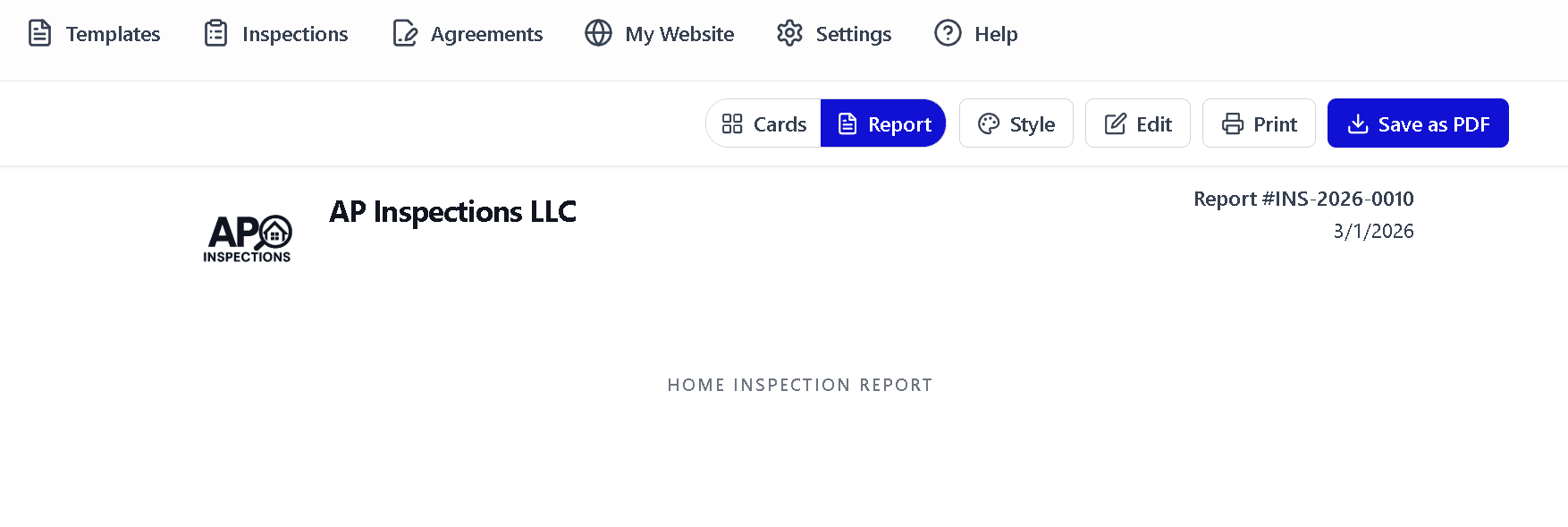
Every report features your company logo, colors, and contact information. Professionally branded reports build trust and set you apart from competitors using generic templates.
- Company logo on every report
- Custom color scheme
- Company contact information
- Professional cover page
- Consistent branding across all reports
One-Click Client Delivery
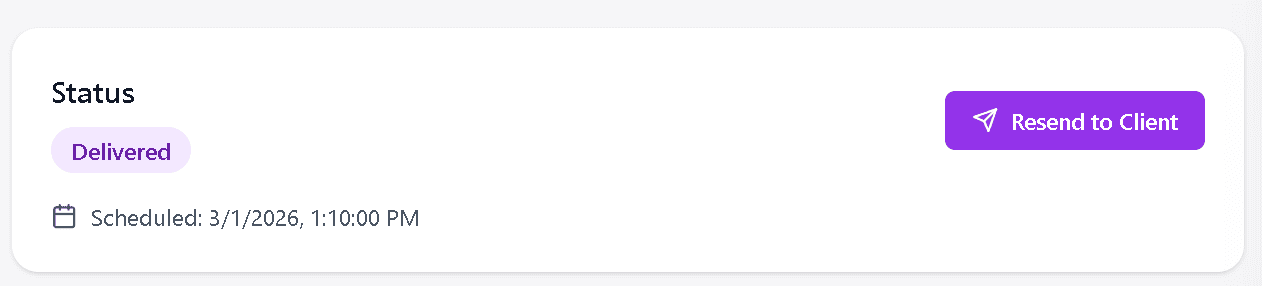
Send completed reports to clients via email with a single click. Reports are delivered as secure links that clients can view on any device — no app download required.
- Instant email delivery to clients
- Secure report viewing links
- Mobile-friendly report viewer
- No client app installation needed
- Delivery confirmation tracking
Create Request List (CRL)
Automatically generate a Create Request List from your inspection findings. Agents and buyers get a clear, actionable list of items that need attention — formatted and ready for negotiations.
- Auto-generated from inspection findings
- Formatted for agent and buyer use
- Exportable as separate document
- Prioritized by severity
- Streamlines the negotiation process
Create Request List (CRL)
Professional quality reports
Multiple Report Formats
Deliver reports in the format your clients prefer
Professional PDF Reports
Polished, printable PDF reports with your branding, photos, and detailed findings. The industry standard for inspection documentation.
Interactive HTML Reports
Web-based reports clients can view on any device. Interactive navigation, zoomable photos, and expandable sections for easy reading.
Print-Ready Format
Optimized layouts for printing with proper page breaks, headers, footers, and pagination. Ready for physical archives.
Shareable Links
Generate secure links that clients, agents, and contractors can access without downloading any software or creating accounts.
How Report Generation Works
From inspection to delivery in four simple steps
Inspect On-Site
Use templates and capture photos directly in the app. Every photo auto-attaches to the right finding — no transferring or renaming later.
Everything Organizes Automatically
Photos, findings, and comments are already in the right place. Report numbering, formatting, and structure happen automatically.
AI Generates Summary
MI6 analyzes all findings and creates a professional executive summary. No retyping — recommendations are already written.
One-Click Delivery
Send the polished report to your client with one click. What used to take 2-3 hours of post-inspection work is done in minutes.
Explore Related Features
Create Your First Professional Report
Start your free 14-day trial and generate inspection reports that impress clients and grow your business. No credit card required.
Start Free 14-Day Trial